What’s different about payments for school bookings?
Lots of small, regular payments
A breakfast club session might cost a few pounds, booked several times a week, by hundreds of families. Your payment setup needs to handle high volumes of small payments without the fees or the admin getting out of hand.
Bookings that change
Sessions get cancelled. Children are off sick. Families change their plans. You’ll need a simple way to issue full or partial refunds, or hold credit for the next booking.
Several children, several schools
One parent may book for two or three children. One platform may serve hundreds of schools, each needing its money paid to its own account. Payments have to be separated correctly for every school.
Matching payments to the right pupil
For the school, every payment needs to be tied to the right child, session and booking, and to flow into its finance records without manual work.
Parents who want to pay their way
Some parents want to tap Apple Pay on their phone. Others prefer to pay from their bank. Families paying for trips from overseas need options too. The more ways to pay, the fewer abandoned bookings.
What payment features should a school booking system offer?
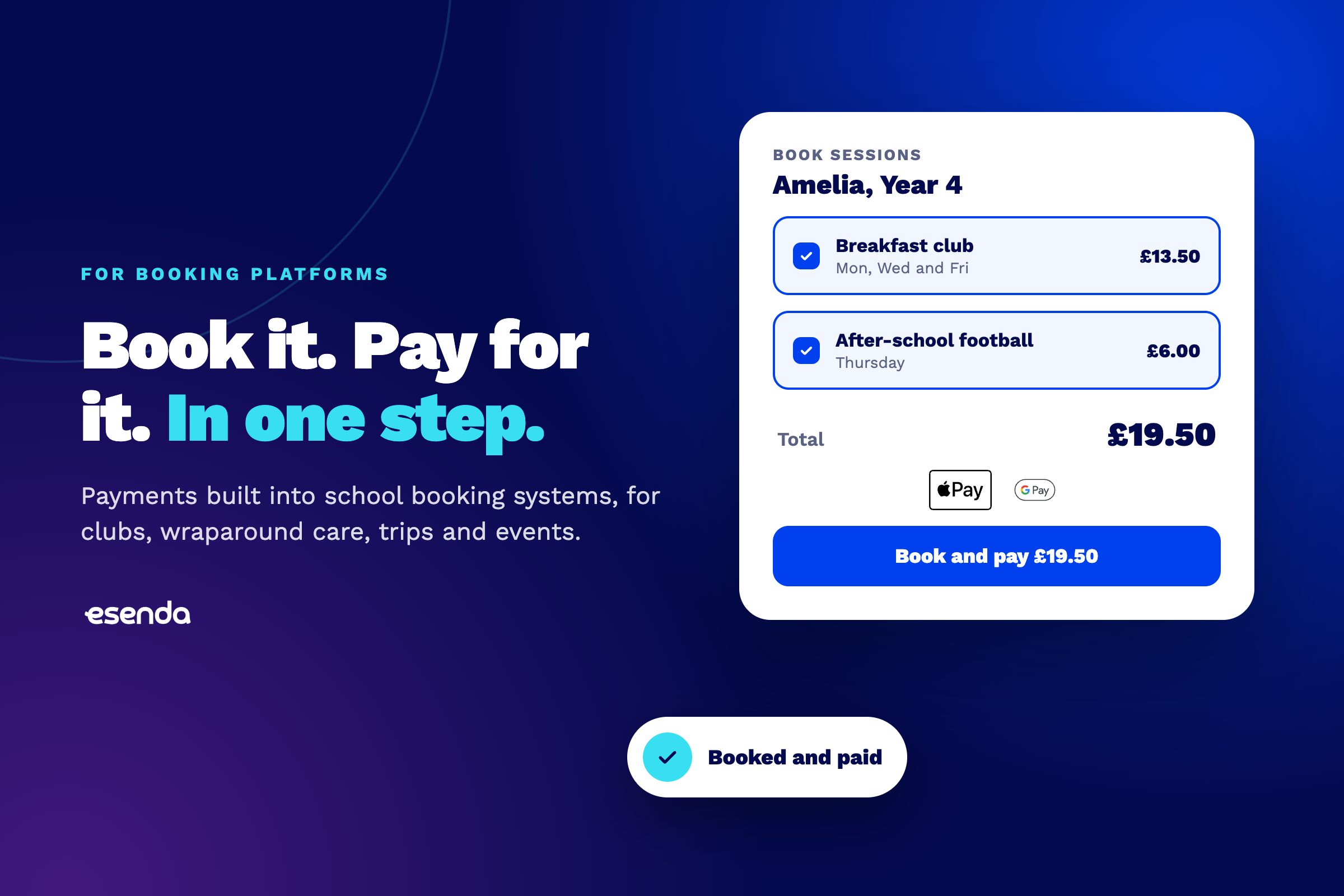
Pay at the point of booking. Parents complete payment as part of booking, on any device.
A choice of payment methods. Card, Apple Pay and Google Pay, Pay by Bank, and international payments for overseas families.
Refunds and credit. Simple full and partial refunds when sessions are cancelled.
Automatic reconciliation. Every payment is matched to the right pupil, booking and school.
Payouts to each school. Money goes to each school’s own account, with clear reporting.
A checkout in your brand. Payments look and feel like part of your platform, not a hand-off to someone else.
Support when things go wrong. Someone to help schools and parents with payment questions.
How can you add payments to your booking system?
There are three main routes, each with different trade-offs.
Build payments yourself
You control everything, but you also take on everything: verifying every school before it can take payments, handling refunds and disputes, reconciling payments, meeting security standards, and supporting parents and schools. For most booking platforms, that’s a second product to build and maintain.
Use a general-purpose payment provider
A general provider gets you a checkout quickly. But it isn’t built around how schools work, so much of the education-specific work still falls on your team: onboarding each school, separating payments by school, matching them to pupils, and answering school and parent questions.
Partner with a specialist education payments provider
A specialist partner embeds payments directly in your platform and handles the parts that are specific to schools: onboarding and verifying each school, separating payouts, reconciling payments to pupils and bookings, and supporting schools and parents. Your team stays focused on making booking great.
How esenda powers payments for school booking systems
esenda is payments infrastructure built only for education. We already power payments inside platforms schools use every day, including SOCS for clubs, trips and activities, and SchoolGrid for school catering.
For booking platforms, esenda provides:
- An embedded checkout in your brand, using your colours, fonts and style
- Every way to pay in one integration: card, Apple Pay and Google Pay, Pay by Bank, Direct Debit and international payments
- School onboarding handled: we verify every school, so your team doesn’t have to
- Payments reconciled automatically to the right pupil, booking and school
- Specialist support for schools and parents
Bookings and payments, in one place, without your team becoming payments experts.
FAQ
Can parents pay for school clubs and wraparound care online?
Yes. With payments built into a school booking system, parents can book and pay for clubs, wraparound care, trips and events in one step, on any device.
What’s the best way to take payments for after-school clubs?
The best approach is to take payment at the point of booking, with a choice of payment methods and automatic reconciliation, so places are confirmed and paid for, and the school doesn’t have to chase or match payments.
How do refunds work for cancelled sessions?
A good booking payment setup lets schools or platforms issue full or partial refunds quickly when a session is cancelled, without manual bank transfers.
Do booking platforms need to handle compliance themselves?
Not if they partner with a specialist. An education payments provider can handle school verification and payment security, so the platform doesn’t have to.
Thinking about adding payments to your booking platform? Talk to our partnerships team, or read Build, Buy or Partner, our white paper on the options. Download it here →